Introduction
Every clinician has been there: the monitor suddenly alarms, the ECG trace looks abnormal, or the SpO₂ reading drops to zero — but the patient is stable and asymptomatic. Is it a true clinical event, or simply a faulty accessory? The difference matters. False alarms waste staff time, contribute to alarm fatigue, and can undermine trust in monitoring equipment. Missed events, on the other hand, put patients at serious risk.
The reality is that many signal problems come not from the patient, but from the accessories — electrodes, sensors, and cables. This article provides a structured playbook to help clinicians identify, troubleshoot, and resolve common monitoring issues quickly and confidently.
The First 60 Seconds: Start Simple
When a monitor alarms unexpectedly, the first minute of response is crucial. Before escalating, check the most common culprits:
- Patient status: Are they moving, shivering, or diaphoretic? Excessive motion and sweat are leading causes of noisy ECG baselines and unstable SpO₂ values.
- Electrodes and sensors: Are they expired, dried out, or poorly adhered? Even a slightly loose ECG electrode can mimic ischemia or arrhythmia.
- Cables: Are there visible cracks in the insulation, loose connectors, or bent pins? Accessories take the brunt of daily use and are frequent points of failure.
Often, a quick skin re-prep or a simple cable swap resolves the issue immediately.
ECG Signal Issues: Faults and Fixes in Detail
Flatline on One Lead
A single flatline is rarely a true asystole; more often, it indicates a broken leadwire. Flexing the cable while watching the trace (the "wiggle test") can confirm an internal break. Solution: swap with a known-good cable.
"Leads OFF" Message
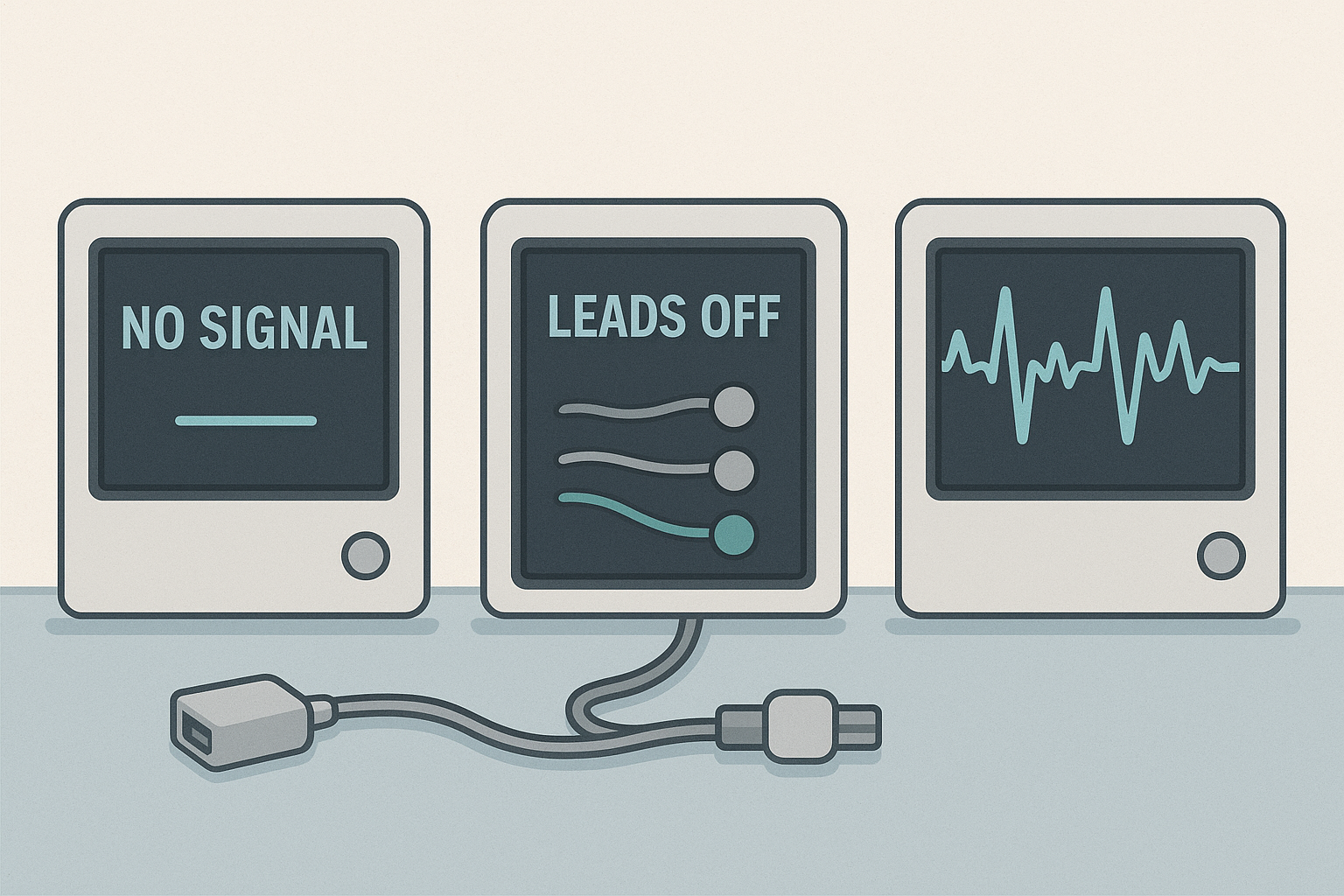
This is one of the most common alarm states. Dislodged electrodes, dried-out gel, or a broken snap/clip are usually the cause. Reseating the electrode, cleaning the skin, or replacing the patch typically restores the signal. If not, inspect the lead connector for wear.
Baseline Wander
When the ECG waveform drifts slowly up and down, the culprit is often patient motion, deep breathing, or poor skin contact. Sweat or oily skin increases impedance and exaggerates wander. Solution: calm the patient, secure the leads, and clean/re-prep the skin.
High-Frequency Noise
If the trace appears jagged or "fuzzy," electromagnetic interference may be at play. Cables routed alongside power cords or IV pumps can pick up stray signals. Damaged insulation can also introduce noise. Reroute patient cables away from mains cords and replace visibly worn wires.
SpO₂ Problems: Beyond "Just Wiggle the Sensor"
No Reading
When a pulse oximeter shows nothing at all, poor perfusion is often the culprit. Cold extremities reduce blood flow, making it difficult for the sensor to detect a pulse. Warming the patient's hand or moving to the ear or forehead often resolves the issue. Also, check sensor compatibility — a mismatched connector may appear to "fit" but won't work electronically.
Intermittent Readings
If values jump in and out, motion artifact or cable fatigue is likely. Stabilizing the sensor site, swapping the sensor, or testing with a different cable can quickly isolate the issue.
Inaccurate Values
A patient reading 75% saturation with no clinical distress is more likely an equipment issue than true hypoxia. Nail polish, ambient light, or the wrong sensor size all interfere with readings. Remove polish, shield the site, and confirm the sensor is the right fit.
Training Teams to Respond Consistently
Troubleshooting shouldn't be left to chance. Facilities that integrate accessory checks into training reduce false alarms dramatically. Consider:
- Quarterly staff refreshers on electrode placement, skin prep, and sensor sizing.
- Unit-based "signal drills" where teams practice resolving simulated alarms.
- Quick-reference posters with troubleshooting checklists near monitoring stations.
Embedding these routines standardizes responses and empowers staff to solve problems quickly.
When to Escalate to Biomedical Engineering
Not every problem can be solved at the bedside. Escalate when:
- Problems persist across multiple sensors and cables.
- Signal issues are consistent across different monitors.
- Artifacts reappear despite correct placement and fresh supplies.
Biomed teams can perform continuity tests, inspect ports, and verify whether the issue lies within the monitor itself.
A Practical One-Page Checklist
To make troubleshooting repeatable, post this sequence in every unit:
- Patient still and comfortable?
- Skin clean, dry, and prepped?
- Are the electrodes/sensors fresh and correctly sized?
- Cables intact, routed away from AC power?
- Swap test with a known-good cable/sensor.
- If unresolved, escalate to biomed.
Medten's Role in Reliable Monitoring
At Medten, we understand the frustration of false alarms and the risks of poor signal quality. That's why our ECG and SpO₂ accessories undergo rigorous testing for durability, flex life, and signal integrity. By offering compatible alternatives that meet international standards, we help hospitals maintain accuracy while managing costs.
Explore Our Monitoring Accessories Here
Frequently Asked Questions
Q: How often should ECG cables be replaced?
A: Inspect cables regularly and plan proactive replacement every 6–24 months, depending on use.
Q: Can adapters fix compatibility issues?
A: Sometimes, but only when designed for the monitor model. Using the wrong adapter can make things worse.
Q: What if artifacts persist despite new cables and sensors?
A: Try another monitor to isolate the problem. If issues continue, it's time for a biomed inspection.
Disclaimer
This content is provided for informational purposes only and does not constitute medical advice. Always follow your institution's protocols and manufacturer guidelines.
Related Articles